



Step-by-Step Guide:Export Instagram Followers in 2 Ways
Table of Content
Exporting your Instagram follower data gives you instant access to an audience that’s already familiar with your brand. By gathering key details — such as names, bios, contact information, and company insights — you can build more personalized campaigns, strengthen engagement, and boost your conversion rates.
Keep reading to uncover what follower exporting is, why it matters, and 2 reliable ways to download your follower list.
What “Export Followers” Means on Instagram?
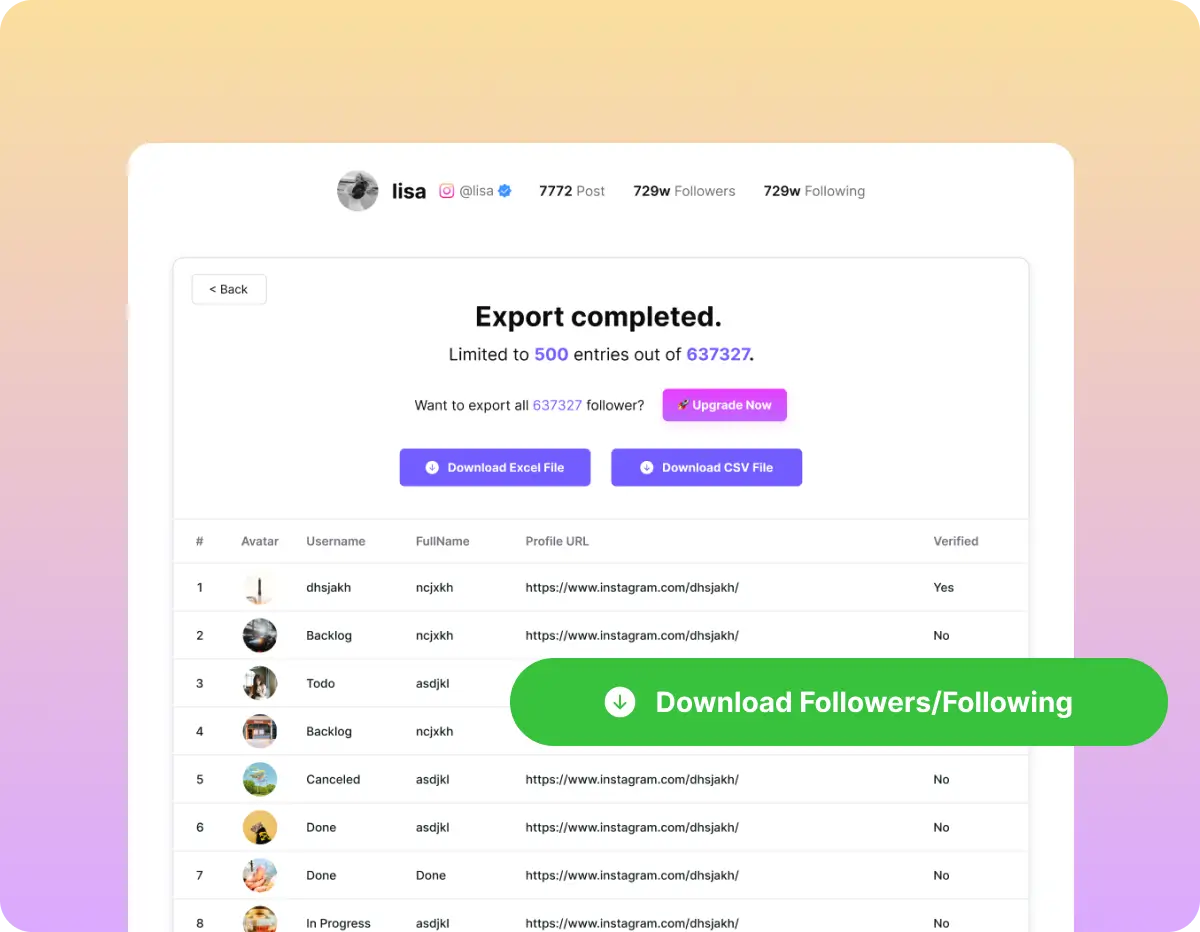
Exporting Instagram followers means you can easily save followers or following from any public account into a structured CSV or Excel file for social data management.
✅ Username
✅ Public name
✅ Profile URL
Having this information on hand enables you to organize contacts, target your campaigns precisely, and automate engagement workflows.
Why Exporting Followers Matters
Exporting Instagram followers gives you more than just a list of names — it turns your social audience into a powerful marketing asset. With follower data stored in a structured format, you can analyze behavior, run targeted campaigns, and build lasting engagement beyond the platform itself.
1. Reach warm, ready-to-convert audiences
Your Instagram followers already know your brand. By exporting their profiles, you can run personalized outreach, send event invitations, and reconnect with inactive followers.
2. Improve content and strategy with real insights
Analyzing exported follower data helps identify shared interests, trending topics, and audience patterns. These insights guide smarter content planning and improve your overall Instagram marketing strategy.
3. Gain a competitive edge
Exporting competitor follower lists reveals who engages with similar brands. This helps you spot potential customers, brand partners, or influencers aligned with your niche.
4. Protect your audience long-term
Regularly exporting your own follower list secures your audience data against account loss or platform issues, ensuring continuity and long-term growth.
In short, exporting Instagram followers helps you move from in-platform engagement to data-driven marketing. It’s an essential step for brands that want to scale smarter and own their audience data.
2 Best Ways to Export Instagram Followers
1.Export Instagram Followers with Dolphin Radar’s Instagram Follower Export Tool
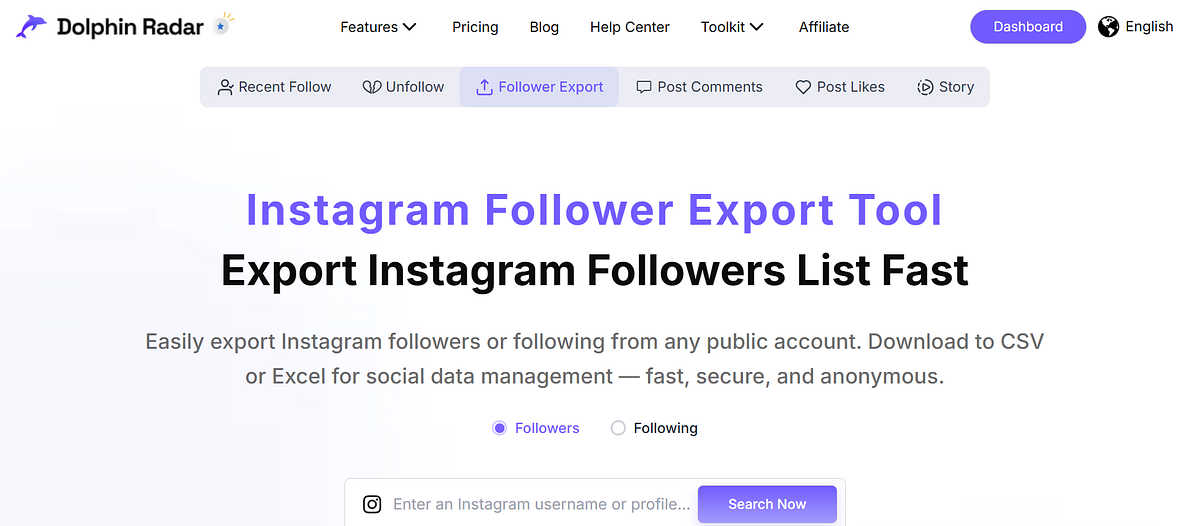
Dolphin Radar’s Instagram Follower Export Tool lets you easily export followers or following from any public Instagram account. With just a few clicks, you can download a structured CSV or Excel file for social data management — fast, secure, and completely anonymous.
Step 1: Enter a Public Instagram Username or Profile Link
Paste the Instagram username or profile URL of the public account you want to analyze. Choose to export followers or following.
Step 2: Click “Search” to Begin
After the system loads the profile, click “Search” to start retrieving IG follower data.
Step 3: Download the Follower or Following List
When ready, download the structured follower list or following list in CSV or Excel format for further analysis.
Using Dolphin Radar’s Instagram Follower Export Tool, what would otherwise be a tedious manual process becomes fast, safe, and anonymous, turning any public Instagram account’s followers into actionable social data.
2. Export Instagram Followers via Data Download
For a direct Instagram approach, you can export your own followers using Instagram’s built-in Data Download feature. While this only applies to your account, it allows you to obtain structured data in CSV
Step 1: Request your Instagram data via Settings → Privacy and Security → Data Download, and Instagram will email a ZIP file within 48 hours.
Step 2: Extract the ZIP and locate followers.json or connections.json in the accounts folder.
Step 3: Convert the JSON to CSV using a trusted converter like json-csv.com.
Step 4: Clean duplicates or suspicious accounts in Excel or Google Sheets.
Step 5: Import or enrich the CSV for social data management in your CRM or analytics tools.
Conclusion
Your Instagram followers are more than numbers — they’re warm leads waiting to be activated. Exporting their data lets you analyze, segment, and reach out with precision.
👉🏼Start using Dolphin Radar’s Instagram follower Export Tool now to centralize your exported follower lists, enrich contacts, and turn engagement into conversions.
FAQ
Can I export Instagram followers from any account?
Yes. Dolphin Radar allows you to export followers or following from any public account into CSV or Excel for social data management.
Is exporting Instagram followers safe and compliant?
Yes. Exporting data from public accounts or using Instagram’s built-in Data Download for your own account is fully compliant, and Dolphin Radar ensures secure and anonymous handling.
What data can I export?
You can export username, display name, and profile link. If available, you can also export email, company information, or location.
How do I convert Instagram JSON data to CSV?
Use a trusted converter like json-csv.com. Map username to InstagramHandle and profile_url to ProfileURL, then download the CSV.
What can I do with exported follower data?
Exported data can be used for social data management, CRM integration, marketing campaigns, audience analysis, and competitor research.
What is the fastest and safest tool to export followers?
Dolphin Radar’s Instagram Export Tool is the fastest, safest, and most anonymous way to export and organize Instagram follower data for social data management.
Read More
