



How to Use Instagram Story Viewer Tools: The Ultimate Guide

Table of Content
How to Use Instagram Story Viewer Tools
Instagram Stories can reveal a lot about a person — what they’ve been up to, their interests, where they’ve been spending their time, and much more. When you spot that colorful ring around someone’s profile picture, you know there’s something new to explore. But what if you don’t want to compromise your privacy by watching their Story? That’s where Instagram Story viewer tools come into play. This guide will walk you through these popular tools and how to use them effectively.
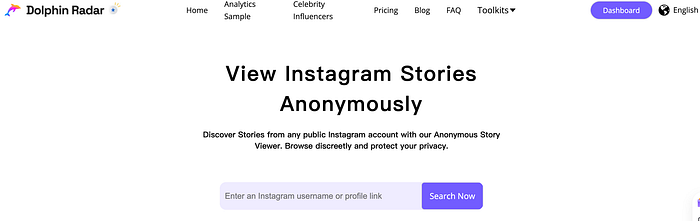
Dolphin Radar allows to go beyond anonymously viewing Instagram stories
What Are Instagram Story Viewer Tools?
In simple terms, an Instagram Story viewer tool is an app or website that allows you to watch Instagram Stories anonymously. Typically, when you view someone’s Story, Instagram notifies them that you’ve seen it. This notification doesn’t apply to posts, just Stories.
There are various reasons you might prefer to watch a Story without the poster knowing. Firstly, many people feel it’s an invasion of privacy for Instagram to report their viewing activity to others and prefer to remain anonymous.
Secondly, social reasons may drive you to keep your views private. Perhaps you’re interested in the information someone has posted but have a complex relationship with them and want to avoid awkward conversations or sending mixed signals by appearing on their “Seen” list. An anonymous Story viewer can help you avoid unnecessary drama.
Thirdly, you might need to gather information about someone discreetly. This doesn’t necessarily make you an Instagram stalker; you might just want to keep tabs on a loved one, like a partner or child, or you could be conducting market research by observing the interests and hobbies of people in your target demographic.
Whatever the reason, Instagram Story viewers can help you obtain the information you’re seeking without alerting the poster.
How to Use Instagram Story Viewer Tools
If you’re new to Instagram Story viewer tools, you’ll be glad to know they’re generally straightforward to use. While the specifics can vary depending on the tool, the general steps are typically consistent.
1.Choose a Story Viewer Tool
The first step is selecting the Story viewer tool you want to use. There are plenty of options out there, each offering different features and functionalities. Some tools are apps, while others are accessible via web browsers. Some are free, while others offer premium features for a fee. Be sure to read user reviews and check the credibility of the tool before using it, as some may not work as advertised or could pose risks to your device and privacy.
2.Find the Story Poster’s Profile
Once you’ve selected a tool, you’ll need to locate the profile of the person whose Story you wish to view. It’s best to search using their username — the handle that appears at the top of their profile, which often begins with an “@”. Since usernames are unique, this ensures you’re targeting the correct profile on the Story viewer.
3.Search for the Story Poster’s Profile
After identifying the username, enter it into the search bar of your chosen Instagram Story viewer. Most of these tools are quite simple, often featuring just a basic search bar on their homepage. By entering the username, you can access their profile as it would appear on Instagram.
4.Find and Watch the Story
With the correct profile loaded, you can now watch any Story anonymously. Simply click on the Story you want to view, and you’ll be able to do so without the poster knowing. It’s that simple!
However, note that some Story viewers might limit the number of Stories you can view within a certain timeframe or without a paid subscription.
Popular Instagram Story Viewer Tools
As you search for the perfect tool to view Instagram Stories anonymously, you’ll find many options available. How do you choose the right one? While it’s always a good idea to check reviews, pricing, and features, here are some top Instagram Story viewer tools you might consider:
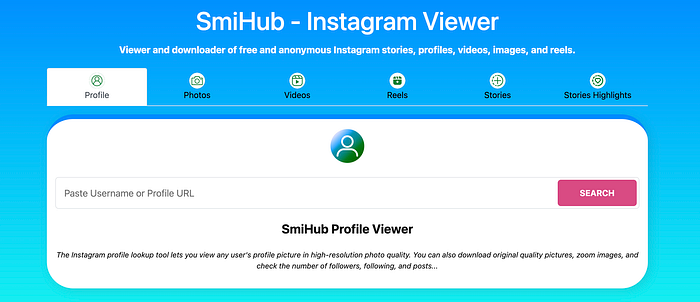
Smihub
Smihub is as simple as they come. It’s a website that can be accessed from any browser and features a search bar to find the profiles you’re looking for. You can also search by hashtag to view Stories containing specific tags. Smihub even allows you to download content from Instagram profiles, a feature not available on the Instagram app itself.
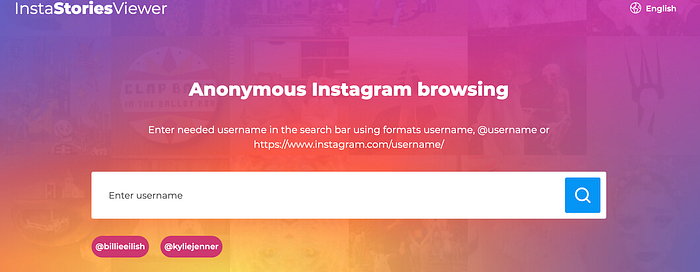
InstaStories
InstaStories is another popular tool for viewing Instagram Stories anonymously. It’s a free service that doesn’t even require an Instagram account. Similar to Smihub, you just visit the site, search for the user’s profile, and click on their Stories to view them without leaving a trace.
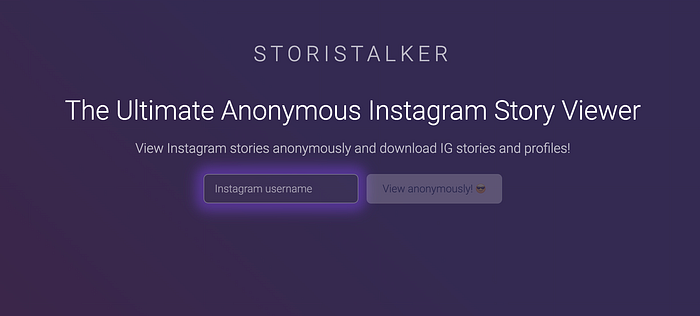
StoriStalker
StoriStalker markets itself as an “Insta stalker” service, but it can be used for more than just checking up on an ex. You need to sign up for an account to use this tool, and while some features are free, others require a paid subscription.
How to Learn More from Instagram Anonymously
Watching Instagram Stories anonymously can give you insights into someone’s life without them knowing, but there’s more you can learn about a person on Instagram without them being aware. This is where Dolphin Radar comes in.
Dolphin Radar allows you to track the posts a person likes, the accounts they’ve started following, and their top hashtags and interests. It’s an excellent way to learn what type of content they enjoy and who they’re interacting with on Instagram, all without their knowledge.
If you’re interested in trying it out, here’s how you can use Dolphin Radar:
1.Create a Dolphin Radar Account
Start by signing up for a Dolphin Radar account. This allows you to track the profiles you’re interested in and view your previous reports. Just visit DolphinRadar.com and click “Sign Up” at the top right of the page.
2.Choose Your Dolphin Radar Subscription Plan
Once your account is set up, select a subscription plan. Dolphin Radar’s plans start at under $5 per month, with higher-tier plans available depending on how many accounts you want to monitor.
3.Choose the Accounts You Want to Monitor
With your subscription in place, start tracking any public Instagram accounts you wish. On your dashboard, click “Add Account,” enter the Instagram username of the profile you want to follow, and click “Check.” If the correct profile appears, click “Add Account” next to it.
4.Enjoy Your Weekly Reports
That’s it! Once you’ve added the desired accounts, you’ll start receiving a weekly report for each one. These detailed reports will show all the posts they’ve liked, organize liked posts by the accounts they interact with most, and provide other insights into their weekly activity.
Important Facts and Tips About Instagram Story Viewer Tools
If you’re new to using Instagram Story viewers, here are a few key points to ensure a smooth experience:
Public vs. Private Accounts
Most Instagram Story viewers only allow you to view Stories from public profiles. A private Instagram profile restricts its content (including Stories) to followers that the profile owner has approved. These private profiles are generally not accessible through most Story viewers.
Instagram Story Availability
Instagram Stories are temporary, remaining visible for just 24 hours. Instagram Story viewers don’t extend this visibility period, so if there’s a Story you want to watch anonymously, make sure to view it promptly.
Limited Information
While Instagram Story viewers are useful, they have limitations. They only let you see what’s available on a person’s public Instagram profile while keeping your identity hidden. For more comprehensive information, consider pairing an anonymous Story viewer with another tool like the Dolphin Radar Instagram activity tracker.
Using Tools to Learn About Someone on Instagram
Whether your interest in learning about someone is for personal or professional reasons, having the right set of tools can make all the difference. Use this guide to get the most out of Instagram Story viewer tools and sign up for Dolphin Radar to take your insights even further.
Register on DolphinRadar.com and start using the Instagram activity tracker today!
Read More
