



How to Check if You Are Shadowbanned on Instagram
Table of Content
Social media is constantly evolving, and Instagram is no exception. On a fast-moving platform, reaching the right audience is crucial. But if you notice a sudden drop in engagement or your posts disappearing from searches, your account may be shadowbanned.
This guide explains what a shadowban is, how to tell if your account is affected, and steps you can take to restore visibility.
With over 2 billion monthly users, Instagram reaches about 17.6% of the world’s population. It’s not just a platform for sharing moments — it’s also a powerful marketing tool. But when engagement drops or posts vanish from hashtags or Explore, shadowbanning could be the reason.
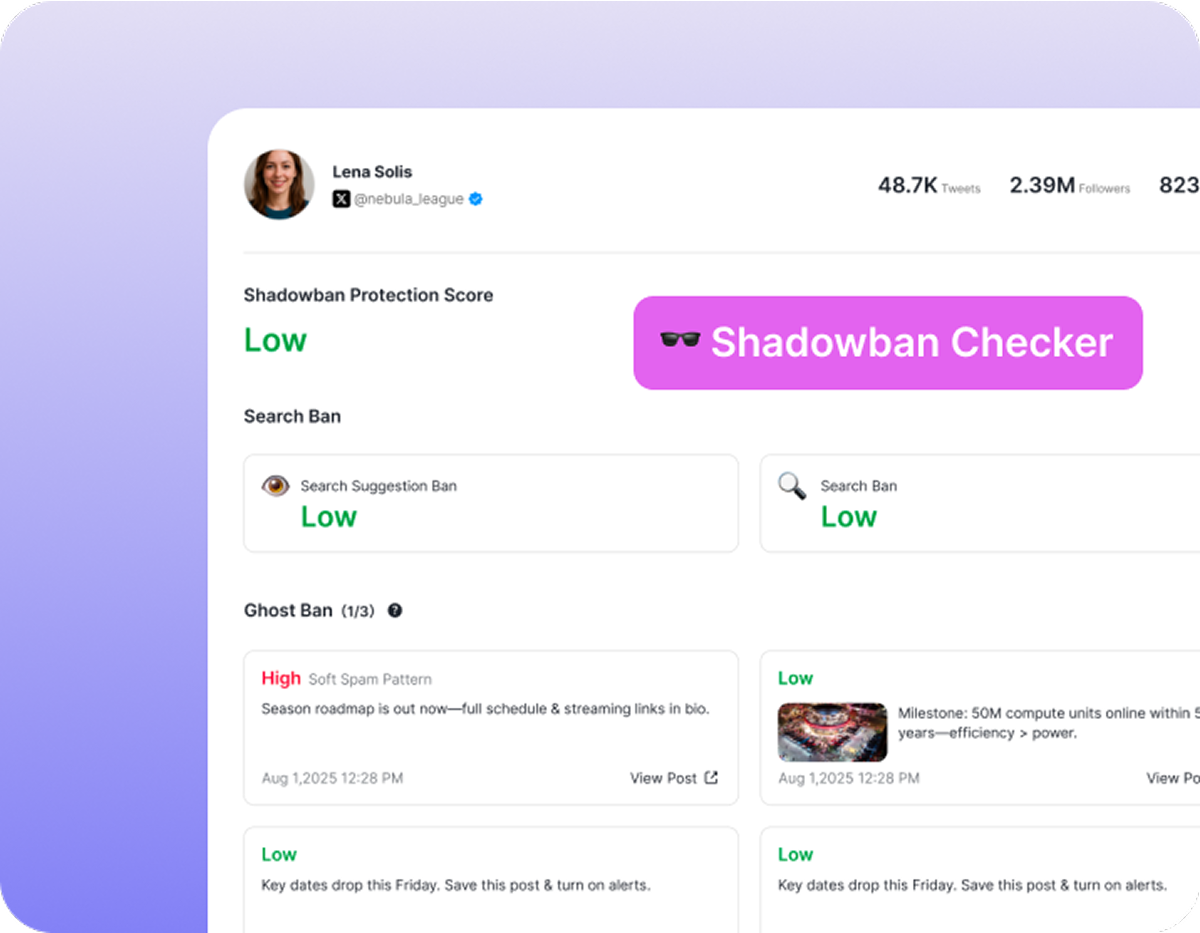
What Is an Instagram Shadowban?
A “shadowban” happens when Instagram limits your content’s visibility without notifying you. If your account is affected, only your existing followers may see your posts. This results in fewer likes and comments, slower growth, and reduced exposure. Shadowbans can last anywhere from a few days to several weeks or months.The most common ways shadowbanning can affect an Instagram account include:
- The account no longer appears in search results;
- Posts cannot be found through hashtag searches;
- Content does not show up in the Explore section;
- Followers see your Stories or posts only after many other less relevant posts;
- Your comments on other users’ posts appear at the bottom of the comment section.
Essentially, a shadowban silently restricts your reach, making it harder for new users to discover your content.
The Shadowban Controversy
Instagram has not officially confirmed shadowbanning, yet many users report sudden engagement drops with no explanation. For brands, influencers, and everyday users, this uncertainty is frustrating — you might be creating the same quality content, but it suddenly stops reaching your audience.
How to Check If You’re Shadowbanned
There are multiple ways to check whether your Instagram account has been shadowbanned. While most methods won’t reveal the exact reason for the restriction, understanding what’s affecting your account can help you adjust your content strategy and manage your resources more effectively. Here are several ways to assess your account:
1.Check Your Account Status
For professional Instagram accounts, the Account Status section provides insight into any restrictions affecting your content. To access it, go to Menu > Settings > Account > Account Status. Here, you can see what is currently limiting your visibility and follow Instagram’s recommended actions to adjust your content.
2.Online Shadowban Tests
Several third-party tools can help you quickly determine whether your account might be shadowbanned. Tools like DolphinRadar’s Instagram Shadowban Checker provide a quick and easy way to see if your account’s visibility is restricted. Enter your username to check your status and identify potential issues affecting your reach.
3.Manual Shadowban Checks
If you notice a drop in engagement, you can manually test whether it’s due to audience interest or Instagram’s algorithm.
- Use niche hashtags that are active but not banned (less than 1,000 posts) on a new post. Ask someone who doesn’t follow you to search for that hashtag. If they cannot find your post, your account may be shadowbanned.
- Review the hashtags on posts that may have triggered the shadowban. Some may violate Instagram policies, be banned, or previously restricted. Remove any problematic tags and monitor your analytics over 2–3 days. Tools like Banned Hashtags Checker, IQHashtags Checker, and Flick Hashtag Checker can help.
- Compare your post performance in the Feed versus hashtag pages. If hashtag reach continues to grow while overall engagement drops sharply, it may indicate a shadowban.
- Use Stories to ask your followers whether they’ve seen your recent posts in their Feed. If most have not, this could be another sign of a shadowban.
- If your shadowban results from reports by other users, your analytics may show sudden, steep drops in reach for posts and Stories, usually immediately after the reports.
Common Reasons for Shadowbans
Instagram shadowbans often occur when the platform’s algorithm detects behavior or content that may violate its guidelines or disrupt the user experience. Understanding the common triggers can help you avoid penalties and maintain consistent reach and engagement. Here are the main reasons accounts get shadowbanned:
1.Hashtag overuse
Repeatedly using the same set of hashtags or relying on banned or overused tags can trigger Instagram’s algorithm. Overusing popular hashtags may be seen as spammy behavior, which can limit the visibility of your posts. It’s important to rotate hashtags and ensure they are relevant to each specific post.
2.Inauthentic behavior
Activities like using bots, purchasing followers, or automating likes and comments are considered inauthentic by Instagram. These actions can lead to restrictions because they artificially inflate engagement and disrupt organic user interactions. Consistently engaging authentically with your audience is key to avoiding shadowbans.
3.Community guideline violations
Posting offensive, inappropriate, or harmful content can result in shadowbans. Instagram actively monitors content that violates its community standards, and repeated violations can reduce the visibility of your account. Always review your content to ensure it aligns with the platform’s policies.
4.Excessive activity
Rapid posting, aggressive following/unfollowing, or spamming comments can raise red flags with Instagram’s algorithm. Such behavior can be interpreted as manipulative or disruptive, prompting the system to limit your account’s reach. Moderating your activity helps maintain normal account performance.
5.Banned or irrelevant hashtags
Using hashtags that are banned, overused, or unrelated to your content can reduce post visibility. These hashtags may be flagged by Instagram’s algorithm, causing your posts not to appear in searches. Stick to safe, relevant hashtags that accurately reflect your content to avoid triggering restrictions.
How to Lift a Shadowban
If you suspect that your Instagram account has been shadowbanned, it’s important not to panic. A shadowban doesn’t mean your account is permanently restricted, and there are several steps you can take to restore your visibility and engagement. Following these measures can help reset your account status and improve reach.
1. Take a break
Sometimes the best way to reset your account is to temporarily pause posting. Stopping activity for a few days allows Instagram’s algorithm to reassess your account and remove temporary flags. This short break can help restore normal visibility when you resume posting.
2. Update your hashtags
Repeatedly using the same hashtags, especially ones that are banned or overused, can contribute to a shadowban. Review your hashtag strategy and use relevant, varied tags for each post. This not only improves discoverability but also ensures your content complies with Instagram’s guidelines.
We’ve also prepared some trending hashtags here that you can refer to and use:
3. Review your content
Examine all recent posts to ensure they align with Instagram’s community standards. Remove or edit any content that may be considered offensive, inappropriate, or risky. Maintaining content compliance reduces the chance of further restrictions and improves audience trust.
4. Stop using bots
Automated tools for liking, commenting, or following can be detected by Instagram and negatively impact your reach. Disabling these tools and engaging with your audience organically helps restore credibility with the platform. Authentic engagement is key to long-term account health.
5. Contact Instagram support
If you believe your account has been shadowbanned despite following the rules, reach out to Instagram’s support team. Requesting an account review can clarify the situation and potentially lift any restrictions. Maintaining communication with Instagram ensures you understand any issues affecting your visibility.
Last Words
Don’t let a shadowban ruin your Instagram experience. With DolphinRadar’s Instagram Shadowban Checker, you can easily find out if your account is affected and get clear steps to fix it. Our tool is free, quick, and doesn’t require any login or personal information — ensuring your privacy is always protected.
👉 Try DolphinRadar’s Instagram Shadowban Checker today and regain control of your account’s visibility with just a few clicks.
FAQ
What is an Instagram shadowban?
It’s when Instagram limits your post visibility without notifying you — your content may not appear in hashtag pages, the Explore tab, or search results.
How can I tell if I’ve been shadowbanned?
Signs include sudden drops in engagement, posts not showing up in hashtag searches, or Explore page absence. You can also have non-followers search your hashtags to check visibility.
What causes shadowbans?
Breaking community guidelines, spamming, using banned hashtags, posting inappropriate content, or using automated tools can trigger a shadowban.
Can personal accounts be affected?
Yes — both personal and business accounts can be shadowbanned. Businesses may notice it more due to reliance on organic reach.
How long does a shadowban last?
It varies — some last a few days, others several weeks. Fixing the issue and adjusting behavior is key.
How do I remove a shadowban?
Stop using banned hashtags, avoid spammy behavior, follow guidelines, take a short break from posting, or contact Instagram support.
Read More
